Know what to fix next
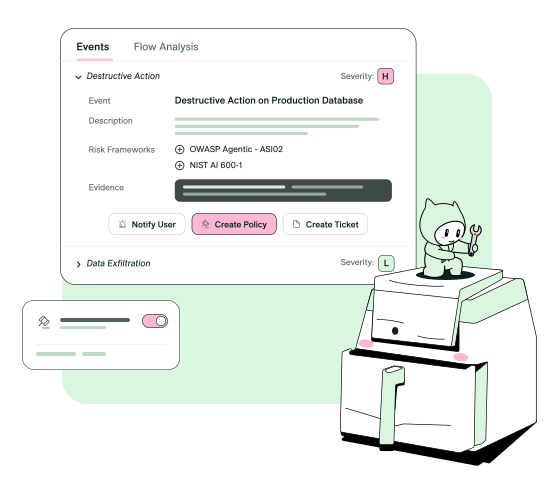
All of it ends in a short list. Findings arrive ranked and with evidence, and most become an enforced policy in one click.
Action plan
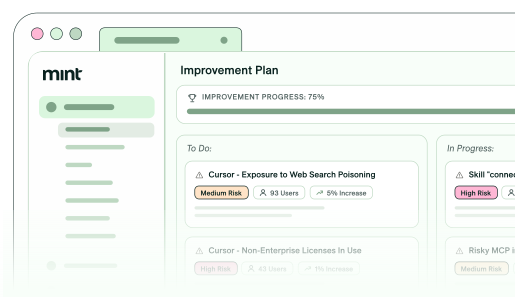
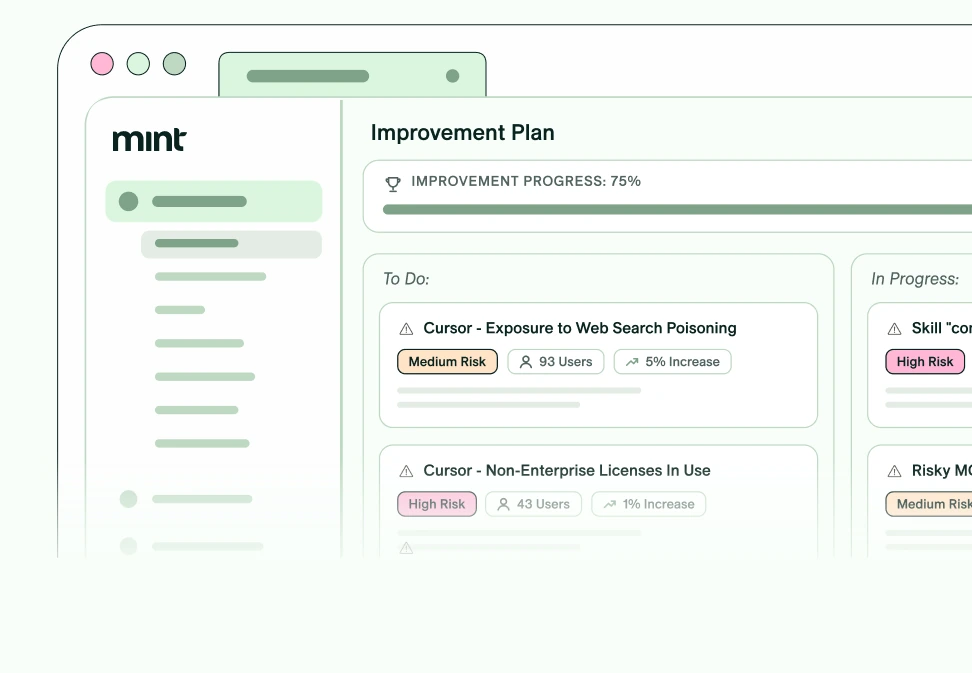
Your most important issues, ranked and mapped to the users and assets they affect, with progress tracked as you close them.
 To do, in progress, done
- Risk level, users affected, trend
- A recommendation on every card
One click from finding to policy
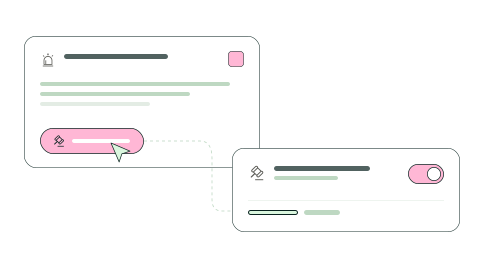
Mint proposes a fix for every finding, based on what it sees in your environment. Review it, tune it and apply it without leaving the card.
- Suggested policies, written in plain language
- Thresholds, categories and actions you control
- Notify the people involved with a ready-made message
- Enforce a policy or revoke a connection in one click
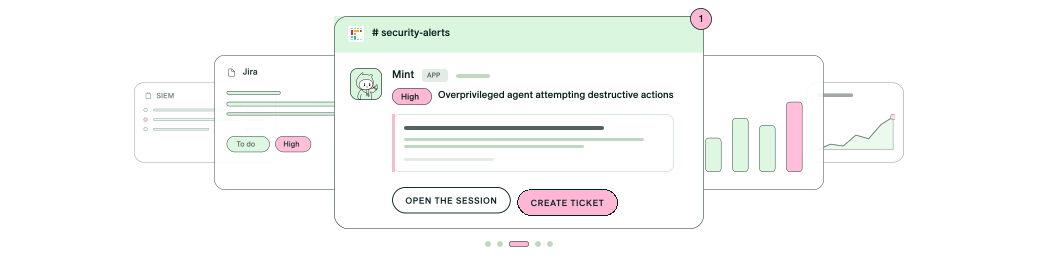
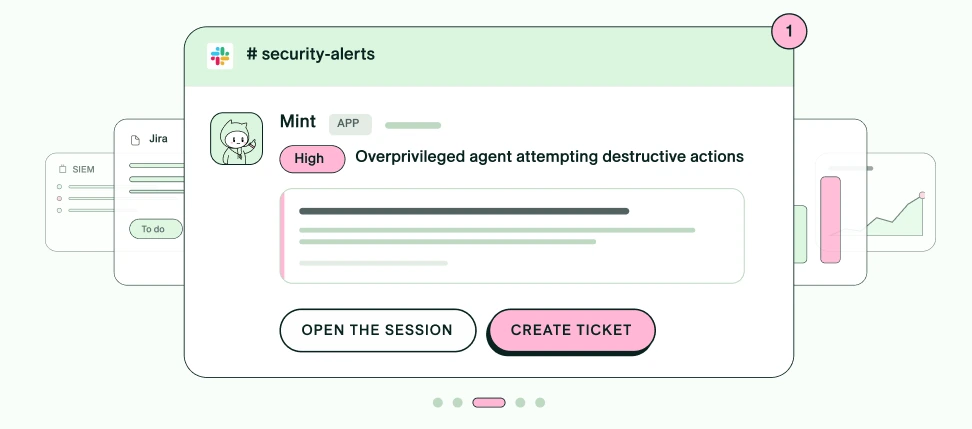
Where your team already works
Alerts and findings go where your team already works, and leadership gets dashboards for both security and AI usage reviews.
- Slack alerts
- Jira tickets
- Events to your SIEM
- Dashboards for security and AI usage reviews
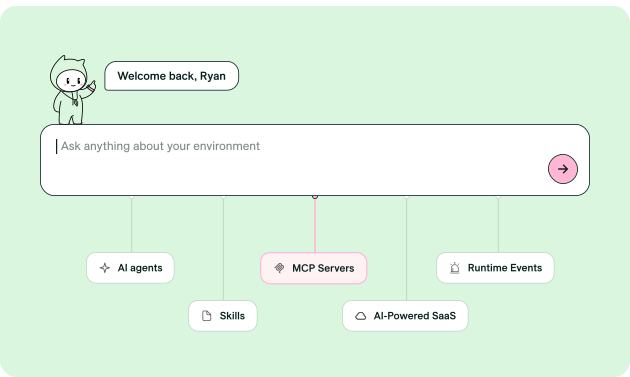
Ask anything
AI Explorer answers questions in plain language and connects the dots across your identity provider, endpoints, SaaS and cloud. Ask in the product or from your own AI tools.
- Who is using which agent, and how?
- Which agents can reach our crown jewels?
- What changed since last week?
Questions we get about simplify
How soon do we see findings?
The same day you connect.
Do we need professional services?
No. Deployment is self-serve, with support from the Mint team.
Who uses the dashboards?
Security teams, and often IT and AI leadership, who use the same data for adoption and spend reviews.
Works across every surface
The same simplify experience for endpoints, SaaS and cloud.

Endpoint
Coding agents and AI assistants on endpoints.
Endpoint
SaaS
Enterprise AI plans, browser AI, and agents built in SaaS.
SaaS

Cloud
Agents, workflows and models in your cloud accounts.
Cloud

Securing agents is that simple.
See for yourself how Mint simplifies security for all the agents on your countertop.