
Saas
Discover enterprise AI, shared assistants and custom agents in one place. Know who owns them, what they can access and how they're controlled.
How Mint covers it
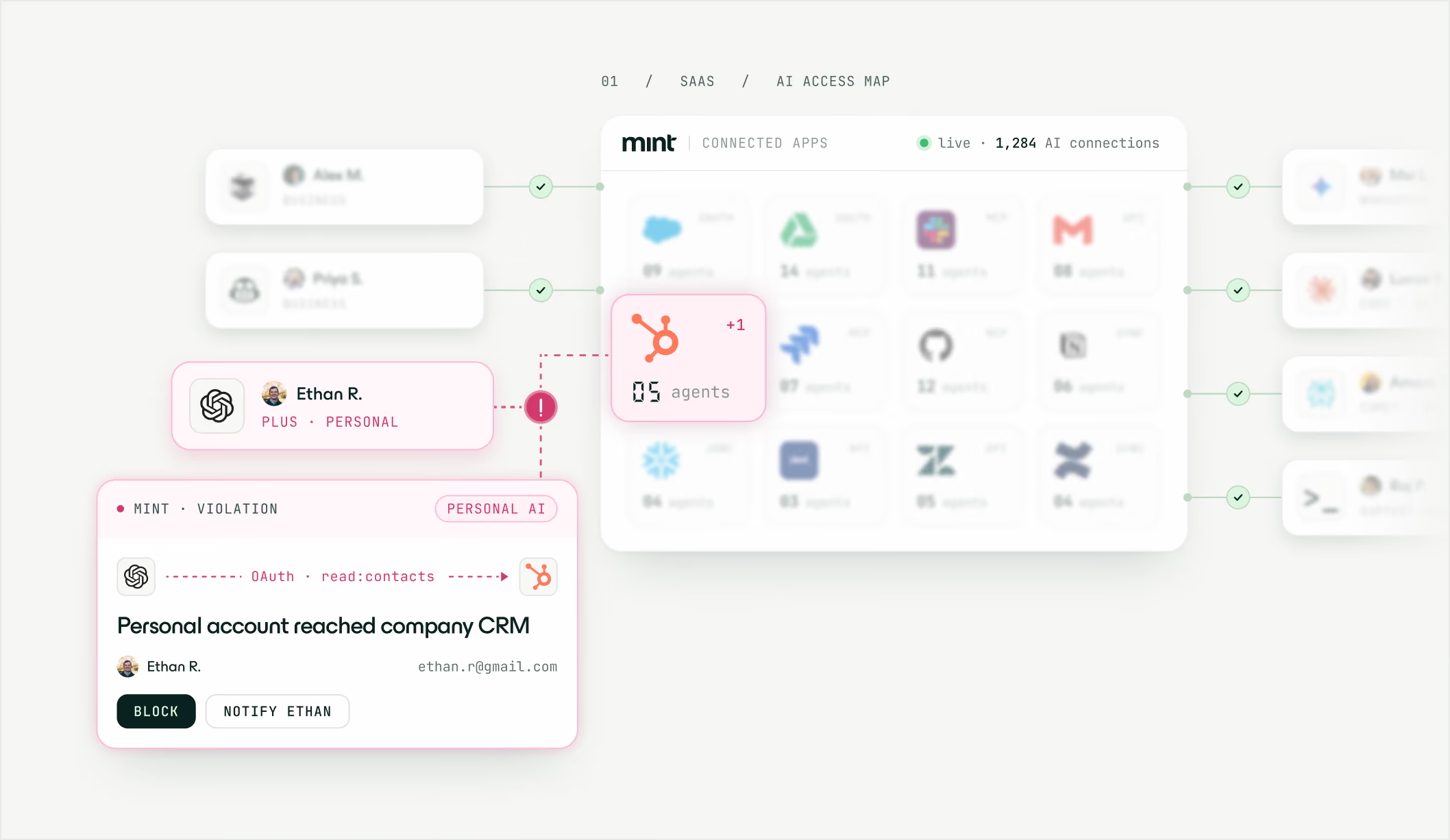
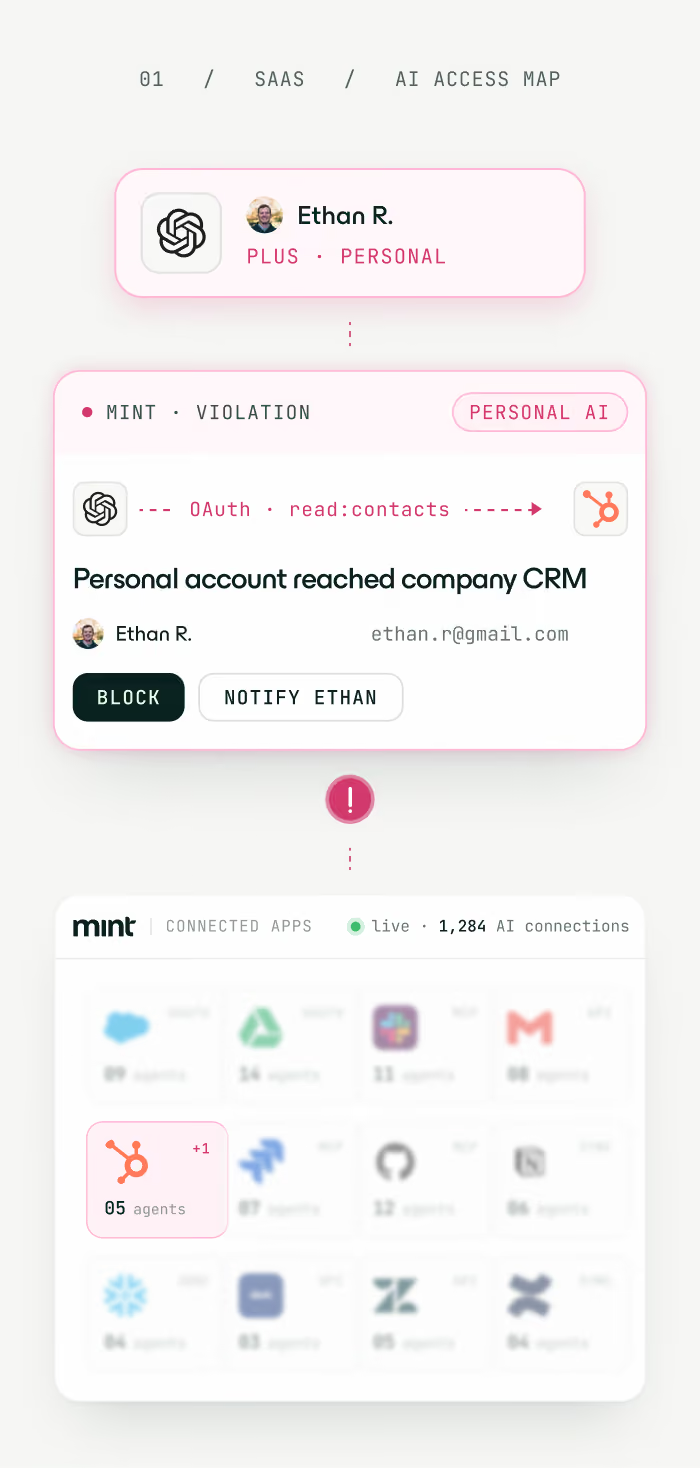

Get the whole picture
Mint brings enterprise AI, browser-based tools and company-wide assistants into one view, making it easy to discover and manage AI across your SaaS environment.

Clean up reach and ownership
Mint discovers shared and custom agents across business apps, mapping their owners, permissions and connected resources.

It’s not personal
Mint distinguishes personal from corporate AI accounts, enforces enterprise sign-in where supported and flags excessive access.

Read the prompts
Mint checks prompts on supported AI chat sites before submission, detecting sensitive data and allowing teams to redact, block or request confirmation.
Mint pairs well with
ChatGPT Enterprise, Claude Enterprise, Microsoft 365 Copilot, Gemini for Google Workspace, Glean.
Claude Tag, Slack, Microsoft Teams, Microsoft 365, Google Workspace.
Copilot Studio, Power Automat, Salesforce Agents, Databricks, Snowflake Cortex, Servicenow AI Agents, Make, Atlassian Rovo, NICE CXone, Notion Agents.
ChatGPT, Claude, Copilot, Gemini, Perplexity, Grok, DeepSeek.
Okta, Microsoft Entra ID, Google Workspace.
Muse, Grok Bot, Manus, Instinct, OpenAI Dot, Claude Duet.






Say, Minty
Do we need a browser extension?
Only for AI used in the browser. ChatGPT Enterprise and Claude Enterprise connect through their enterprise APIs.
Do you cover Claude Tag in Slack?
Yes. Mint inventories it with who added it and where it works, and applies policies to it.
Can you see the agents' business teams build?
Yes. Mint lists supported low-code and data agents with their owners and what they can reach.
What about personal AI accounts?
Mint distinguishes corporate and personal AI accounts and can require an enterprise account.
Just all your agents, humming along.


everyday agentic companions.
See for yourself how Mint simplifies security for all the agents on your countertop.